
Read ASA server logs and diagnostics in YARK
Two surfaces
Section titled “Two surfaces”| Place | Scope |
|---|---|
| Sidebar Logs | Recent problems / activity across servers |
| Workspace Logs | Deep dive for one server |
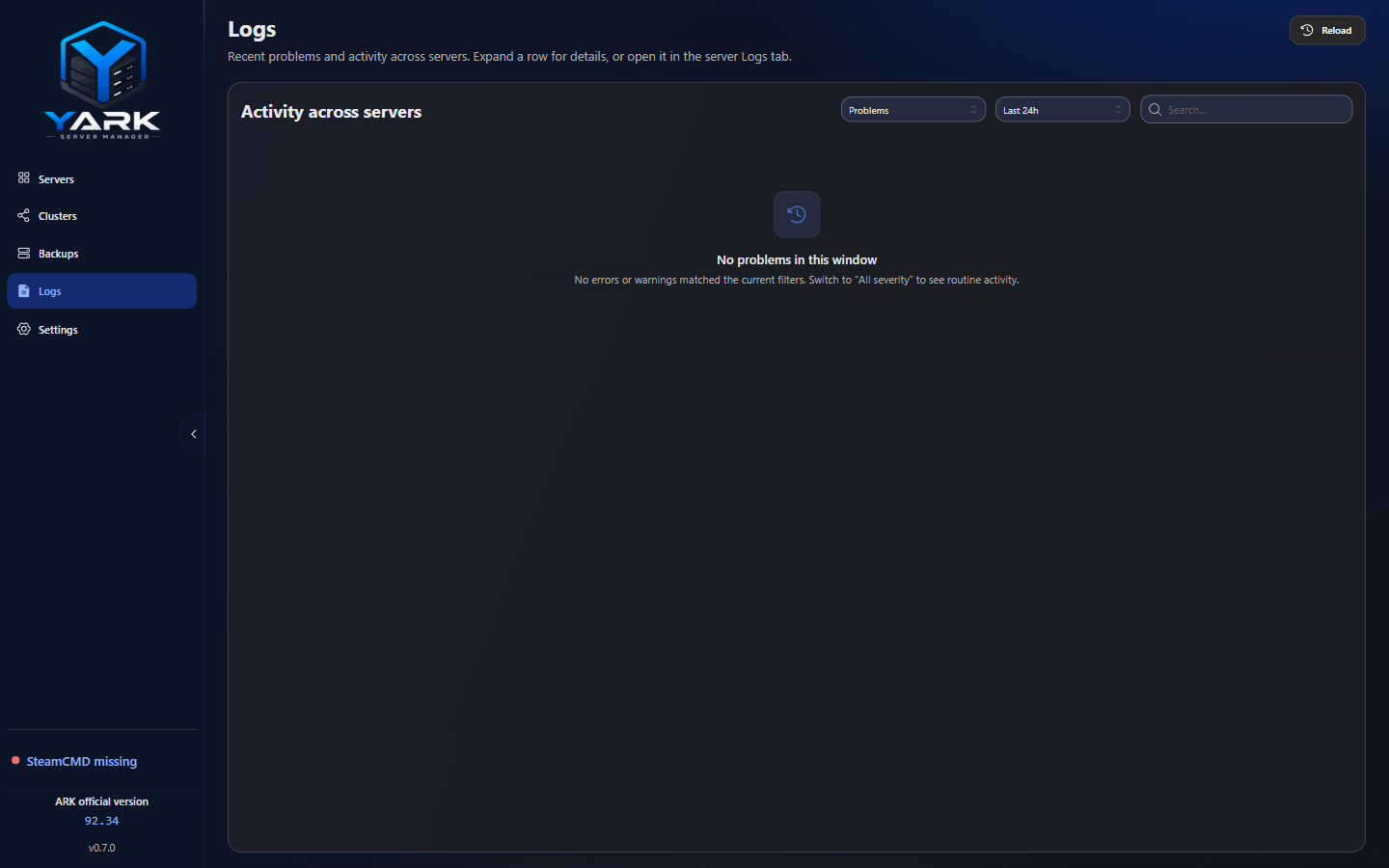
Sidebar Logs — fleet view of recent problems and activity. Open a row to jump into that server’s Workspace Logs (Events / Runtime / Updates / Backup history).
Workspace sections:
| Section | Source |
|---|---|
| Events | SQLite event stream (with structured details when available) |
| Runtime | In-memory buffer: process output + live tail of ShooterGame.log (native console on or off) |
| Updates | Files under app userData update-logs/ |
| Backup history | Backup operation history for that server (named to stay distinct from the create/restore Backups tab) |
A cancelled install, update, or verify is stored as Cancelled under Updates, including a cancel after Pause. From Downloads, Open in Logs opens that file, or explains when the file is missing. |
Event details (“What / Cause / Where / Try next”)
Section titled “Event details (“What / Cause / Where / Try next”)”Many events carry structured guidance:
- What happened
- Cause (when known)
- Where to look
- Try next suggested action
- Optional context chips (paths, flags, operation names)
Older rows without stored details still get catalog fallbacks by event type. Safe-update failures are especially rich here.
Runtime tips
Section titled “Runtime tips”- Native console can stay on; Runtime still follows
ShooterGame.log - A crash keeps Runtime until you Start again (or clear Runtime manually)
- Events →
server_crashedkeeps a short ShooterGame.log excerpt after YARK restarts - Use the Source filter: All / System / Server log / Process
- While Runtime is open, it refreshes about every 1.5s
- Timestamps display as
YYYY-MM-DD HH:MM:SS(Unreal stamps treated as UTC, shown locally)
Clearing data
Section titled “Clearing data”Clears are per section (events ≠ runtime buffer ≠ update log files). There is no single “wipe everything” button — clear intentionally.
Export is available for resolved events and related sections when you need to share diagnostics (strip passwords first).
Log retention
Section titled “Log retention”Settings → Log retention bounds YARK-owned history: SQLite events and SteamCMD update log files under app userData. Defaults are conservative; you can change limits and run Clean up now (preview → confirm).
ASA runtime logs under the install (Saved/Logs, including ShooterGame.log) are never deleted by retention. Deleted retained data is not recoverable.